AI Automation for Accounting Firms: The Complete 2026 Guide
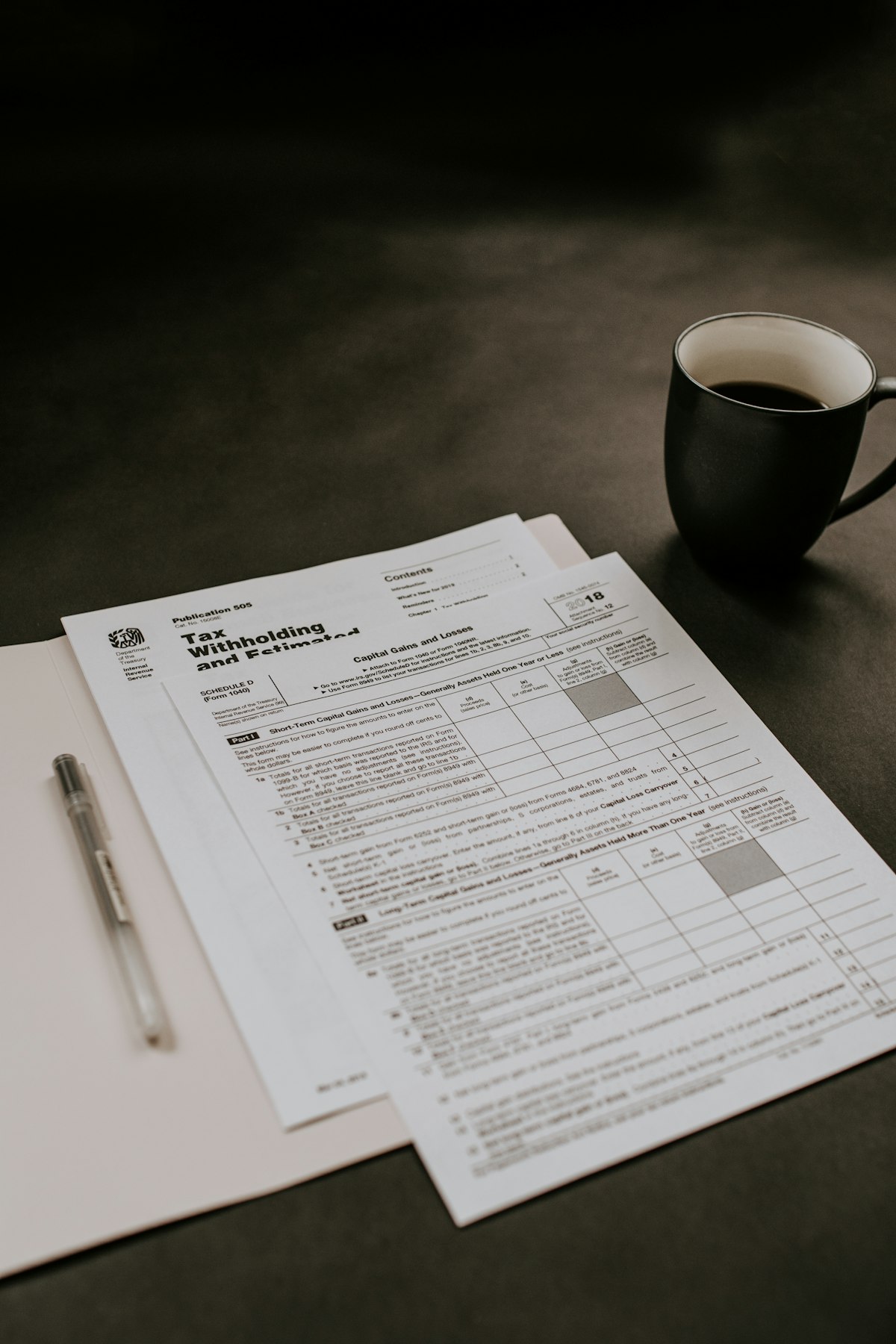
Accounting is one of the professions most perfectly suited to AI automation. The work is data-intensive, rule-governed, repetitive, and high-volume,exactly the characteristics that AI handles exceptionally well. Yet the majority of Australian accounting firms are still running on manual processes, spreadsheets, and brute-force effort.
This guide is for firm owners and practice managers who want to understand where AI consulting can create the most value, how much time and money it can save, and how to get started without disrupting existing operations.
We will cover eight specific processes you can automate, the integrations that make it work, a real ROI calculation, and a step-by-step plan for implementation. For a deep dive into specific workflows, see our guide on AI accounting workflow automation.
Why Accounting is Perfect for AI Automation
Structured, rules-based work. Accounting follows well-defined standards: AASB, ATO requirements, GST rules. Having a proper AI governance framework ensures these standards are maintained as you automate. AI excels at applying consistent rules across large volumes of transactions without fatigue or human error.
High volume, repetitive tasks. The average accounting firm processes thousands of transactions per month across multiple clients. Each transaction requires the same basic workflow: categorise, validate, reconcile, report. This repetition is where AI delivers the greatest time savings.
Digital data sources. Modern accounting runs on cloud platforms with robust APIs,Xero, QuickBooks, MYOB,making it straightforward to connect AI systems to the data they need. Unlike industries that still rely on paper-based processes, accounting has already undergone the digital transformation that AI requires.
Clear ROI measurement. Time tracking is built into the DNA of accounting firms. You can measure exactly how many hours each task takes before and after automation,making the ROI case unambiguous.
8 Accounting Processes You Can Automate with AI
1. Invoice Processing and Accounts Payable
What it does: AI reads incoming invoices from any source,email attachments, scanned documents, supplier portals,extracts key data (supplier, amount, due date, line items, ABN), validates against your chart of accounts, matches to purchase orders, and creates draft bills in your accounting software. Discrepancies are flagged for review rather than silently posted.
How FlowWorks implements it: FlowWorks connects an AI extraction pipeline to your email inbox, document management system, and accounting platform. Each invoice is processed in seconds, validated, and pushed as a draft. You review and approve,the manual keying is eliminated.
2. Bank Reconciliation
What it does: AI matches bank transactions to invoices, bills, and journal entries by learning your historical patterns. It handles recurring payments, variable amounts, cryptic bank descriptions, and multi-entity matching that trips up rules-based systems. Over time, it gets smarter,approaching 98% automatic match rates for most firms.
How FlowWorks implements it: FlowWorks trains a matching model on your historical reconciliation data. The model learns your unique patterns,which suppliers use which bank references, how recurring charges vary, and where manual adjustments are typically needed. Unmatched items are presented with ranked suggestions for one-click approval.
3. BAS and GST Preparation
What it does: AI continuously monitors your transaction coding for GST accuracy, flags items that may be miscoded, calculates BAS obligations in real time, and prepares draft BAS forms ready for review. It catches common errors,mixed-supply GST issues, capital vs revenue classification, and input tax credit eligibility,before they become ATO problems.
How FlowWorks implements it: FlowWorks runs continuous GST compliance monitoring alongside your normal bookkeeping. Instead of a mad scramble at the end of each quarter, BAS preparation becomes a simple review of an already-accurate draft. Edge cases and uncertain items are flagged with explanations.
4. Expense Categorization
What it does: AI automatically categorises every expense to the correct account code based on merchant, description, amount, and historical patterns. It handles the nuance that rules cannot,distinguishing a client dinner from a team lunch, or a software subscription from a one-off purchase. Confidence scoring ensures uncertain items get human review.
How FlowWorks implements it: FlowWorks builds a classification model specific to each client or entity. New transactions are auto-categorised with a confidence score. High-confidence items flow through automatically. Low-confidence items are queued for review with suggested categories and reasoning.
5. Client Onboarding
What it does: AI automates the data collection, document gathering, and setup tasks that make client onboarding so time-consuming. It sends engagement letters, collects signed documents, requests access credentials for accounting platforms, sets up the client in your practice management system, and follows up on outstanding items,all without manual intervention.
How FlowWorks implements it: FlowWorks creates an onboarding workflow that triggers when you accept a new client. The AI agent handles communication, document collection, follow-ups, and system setup. Your team gets a notification when everything is ready for the first substantive meeting.
6. Financial Reporting
What it does: AI generates monthly financial summaries, management reports, variance analyses, and KPI dashboards from your clients' accounting data,formatted to your firm's standards and delivered on schedule. It highlights anomalies, trends, and items that need attention, transforming raw data into actionable insights for your clients.
How FlowWorks implements it: FlowWorks pulls data from accounting APIs on a schedule, runs analysis (P&L trends, cash flow forecasts, budget vs actual, ratio analysis), and generates formatted reports. Custom commentary is drafted explaining what changed and why. Reports are delivered via email or client portal.
7. Audit Preparation
What it does: AI compiles audit-ready workpapers by gathering supporting documentation, reconciling accounts, testing transactions against policy, and organising everything in the format auditors expect. It identifies potential audit issues before the auditors do,giving you time to resolve them proactively.
How FlowWorks implements it: FlowWorks integrates with your document management and accounting systems to pull, organise, and cross-reference the documentation auditors require. The AI tests transactions for policy compliance, flags exceptions, and generates a pre-audit report highlighting areas that need attention.
8. Client Communications
What it does: AI drafts payment reminders, overdue notices, tax deadline alerts, and monthly update emails,all personalised based on the specific client, their history, and their communication preferences. It adjusts tone and urgency based on payment history and relationship context.
How FlowWorks implements it: FlowWorks monitors accounts receivable and tax calendars, then triggers personalised communication workflows. Gentle reminders for reliable payers, firmer follow-ups for chronic late payers,all drafted by AI and sent after your approval, or automatically if you prefer.
Tool Integrations: Xero, QuickBooks, and MYOB
AI automation does not replace your existing accounting software,it connects to it and makes it work harder. Here is how FlowWorks integrates with the three most popular platforms in Australia.
Xero. Full API integration for invoicing, bank reconciliation, expense categorisation, reporting, and contact management. Xero's mature API makes it the most seamless integration,most automations can be live within days. For a deeper dive into Xero-specific workflows, see our guide on automating Xero with AI.
QuickBooks Online. Comprehensive integration covering invoicing, expense management, bank feeds, reporting, and payroll data. QuickBooks' API supports real-time syncing and webhook triggers for event-driven automation.
MYOB. Integration via MYOB's Business API for core accounting functions including invoicing, bank feeds, and contact management. While MYOB's API is less extensive than Xero's, FlowWorks bridges the gaps with custom connectors for functions not covered by the standard API.
ROI Calculation: What AI Automation Actually Saves
Let us work through a realistic example for a mid-size accounting firm with 8 staff, managing 150 clients.
Invoice processing: 6 hours/week saved = 312 hours/year
Bank reconciliation: 4 hours/week saved = 208 hours/year
Expense categorisation: 3 hours/week saved = 156 hours/year
Financial reporting: 6 hours/month saved = 72 hours/year
Client communications: 2.5 hours/week saved = 130 hours/year
Total: 878 hours/year = approximately 22 working weeks
At an average blended cost of $65 per hour (salary, super, overheads), that is $57,070 in annual savings,or the equivalent of adding a half-time team member at zero ongoing salary cost.
Most firms reinvest this time into advisory services, which typically generate two to three times the revenue of compliance work. The ROI is not just cost savings,it is revenue growth.
Case Study: Melbourne Accounting Firm
A 12-person accounting firm in Melbourne was spending over 40 hours per week on manual data entry, reconciliation, and client communications across 200 clients. Senior accountants were stuck in compliance work instead of advisory,limiting the firm's ability to grow.
FlowWorks implemented AI automation across invoice processing, bank reconciliation, expense categorisation, and monthly reporting. The implementation took three weeks from kickoff to live.
Results after 90 days: 32 hours per week of manual work eliminated, error rate on transaction categorisation dropped from 8% to under 1%, monthly reports delivered 5 days earlier than before, and the firm onboarded 15 new advisory clients without adding headcount.
Getting Started: Your Next Steps
The best way to start is with a focused conversation about your firm's specific workflows and pain points. Every accounting practice is different, and the highest-impact automations depend on your client mix, team structure, and existing tools.
FlowWorks offers a discovery call for accounting firms. In 30 minutes, we will map your current workflows, identify the top three automation opportunities, and give you a clear estimate of time savings and costs.
Learn more about our AI automation services and how we work with accounting firms specifically.
Book a discovery callFrequently Asked Questions
Will AI replace accountants?
No. AI replaces the repetitive, manual tasks that accountants do,data entry, reconciliation, basic compliance work. This frees accountants to focus on advisory, strategy, and client relationships,the high-value work that clients actually pay premium rates for. Firms that adopt AI do not shrink; they handle more clients with the same team.
How long does it take to set up AI automation for an accounting firm?
Most firms are live with their first automation within two to four weeks. A typical engagement starts with a one-week discovery and planning phase, followed by one to three weeks of implementation and testing. Additional automations can be rolled out incrementally after the initial setup.
Is AI automation secure enough for financial data?
Yes, when implemented correctly. Enterprise-grade AI automation uses encrypted connections, role-based access controls, and audit logging. At FlowWorks, all financial data is processed within your existing security perimeter. We do not store client data,the AI connects to your systems, processes in real time, and returns results through secure channels.
Which accounting software does AI automation work with?
FlowWorks integrates with all major Australian accounting platforms including Xero, QuickBooks Online, and MYOB. We also connect to practice management systems like Karbon, XPM, and IgnitionApp, plus document management platforms and communication tools. If your software has an API, we can integrate with it.